
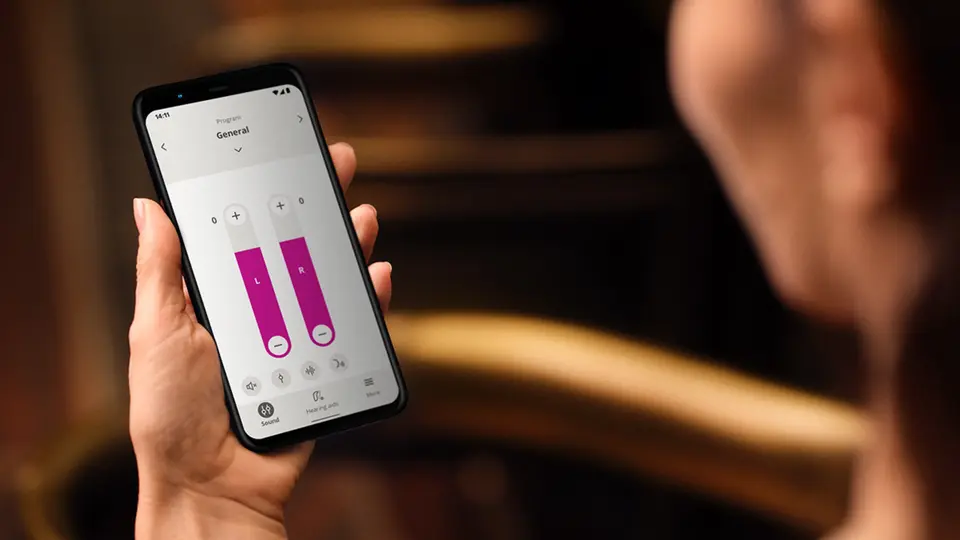
Remote Hearing Aid Care and Teleconsultation
With our Oticon Companion app, you can enjoy remote care and teleconsultation services with our audiologists from wherever you are!
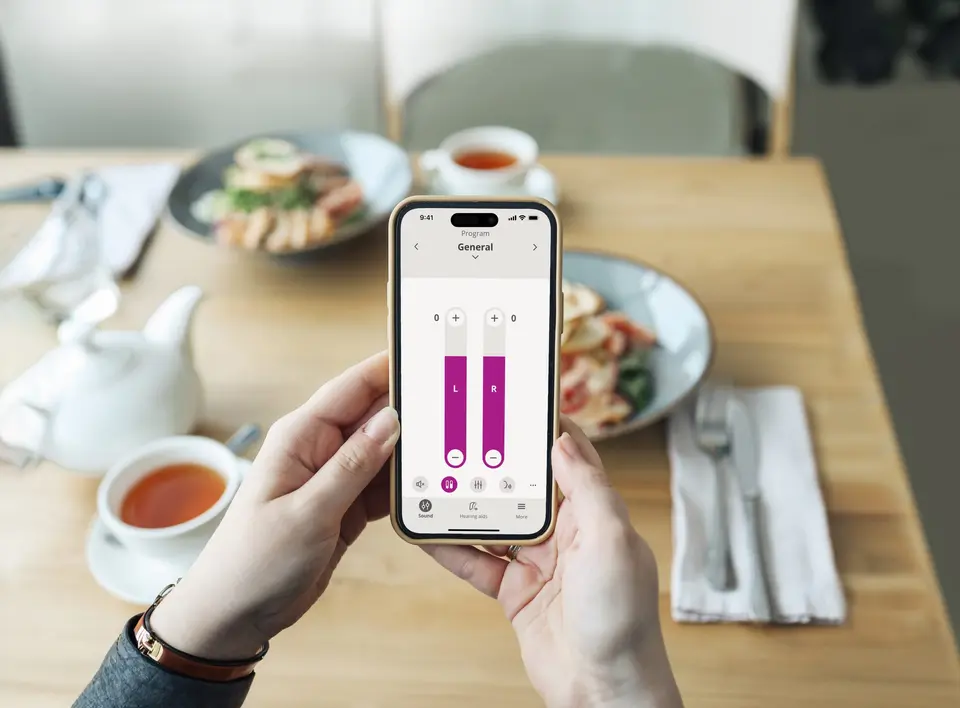
What is Remote Hearing Aid Care?
Our remote hearing aid care service allows you to connect with our hearing care professionals from the comfort of your home. Adjustments, real-time testing and consultations can be made through the Oticon Companion app without an in-person visit, making hearing care more convenient and accessible.
Benefits of Remote Hearing Aid Care
Discover the benefits of remote hearing aid care and learn how it can make managing your hearing health easier and more convenient than ever.

Saves time

Real-time adjustment

Free to use*
*Terms and conditions apply. For example, you will have to schedule an appointment with your audiologist, and services apply to operational hours only and do not apply to hospital patients.
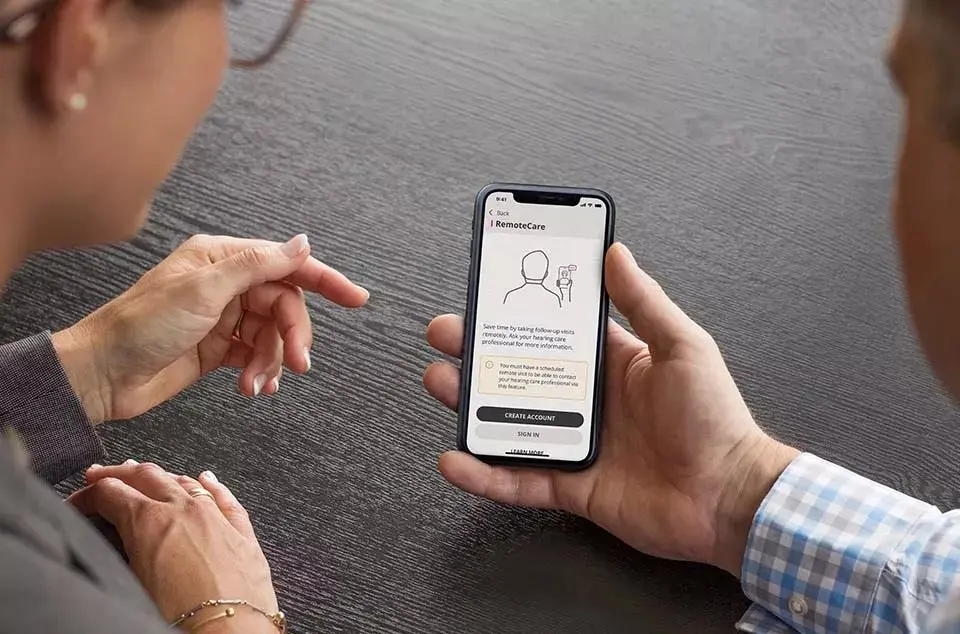
Preparing for a Remote Consultation
What you need:
- Oticon hearing aids* with 2.4 GHz Bluetooth®
- Compatible iPhone, iPad or Android device*
- The Oticon Companion app
- Stable Internet connection with a recommended minimum speed of 1/1 Mbit/s
How to register:
- Download the Oticon Companion app on your mobile device. If you have the Oticon ON app downloaded on your device, we recommend deleting it to prevent compatibility issues.
- Register with a valid email address.
- Ensure that the data location of your profile is set to Malaysia.
- When scheduling the appointment, give the audiologist the email address you used to register for the app.
*They should have sufficient battery power (e.g. >50%). If you experience compatibility issues with the app, update your hearing aids to the latest firmware and try again.
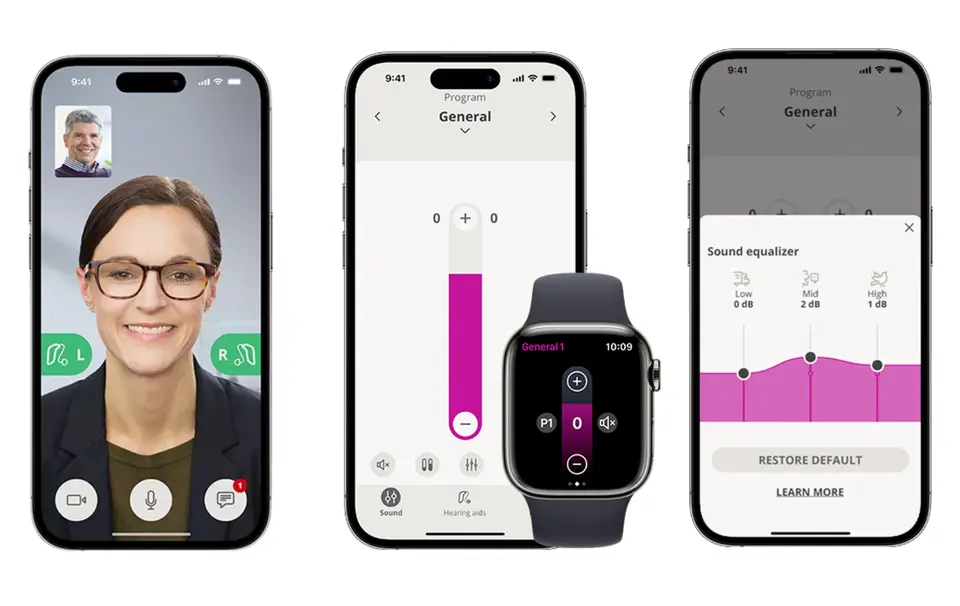
What Happens During a Remote Consultation?
If you are joining a remote hearing aid consultation for the first time, here is what you can expect. Please note that Bluetooth audio streaming will not be available during the session; you will hear the audio through your phone’s loudspeaker.
Once your audiologist connects to your hearing aids:
- You will be able to see and talk with them just like a video call.
- The L and R graphics on your mobile screen will change from blinking to steady green.
Uploading and saving the new settings on your hearing aids:
- The L and R graphics will turn orange once the new settings are uploaded to your hearing aids.
- When the settings are successfully saved, the graphics will turn green again.
Ending the consultation:
- Before ending the appointment, your audiologist will restart your hearing aids by turning them off and on, and you will hear a jingle.
- The appointment will wrap up with a message saying ‘Visit ended’ on your screen.
Do’s and Don’ts During a Remote Consultation
Preparing for a remote consultation is simple, but a few helpful tips can make the experience even smoother.
| Do’s | Don’ts |
|---|---|
|
|
Customer Reviews



FAQs About Remote Hearing Aid Care
Not all hearing aid settings can be adjusted remotely. While many settings, such as volume and programmes can be fine-tuned during a remote consultation, some advanced features such as Feedback Management and Tinnitus Support may still require an in-person visit to your hearing care provider.
Enquire with your hearing care professional to find out more.
Yes, if you prefer, you can switch off your camera during the remote consultation. However, keeping it on can help your hearing care professional better understand your needs and offer more personalised support.
It is best to avoid picking up a phone call during your remote hearing aid consultation to ensure you get the most out of your session without interruptions. If you need to take a call, inform your hearing care professional. Once the call ends, the appointment will resume.
- Interruptions that occur for less than 30 seconds: Once your internet connection is re-established, the Oticon Companion app will automatically reconnect you to your audiologist.
- Interruptions that occur for longer than 30 seconds: Once your internet connection is re-established, you will need to select the ‘Try to reconnect’ option on the app or terminate the appointment.
No, video or audio recordings from your remote hearing aid consultation are not stored. Your privacy and security are important, so your session is kept confidential and only used for immediate support and adjustments.
Schedule a Free Hearing Test
Required fields are marked.